3DMakerPro Toucan 3D Scanner: Standalone Power Meets Software Challenges
Welcome to our detailed Q&A on the 3DMakerPro Toucan 3D Scanner. This device promises an all-in-one scanning experience without needing a computer, but our testing reveals a mix of premium hardware and frustrating software quirks. Below, we address common questions about its performance, build, and usability. Jump directly to any topic using the internal links:
- What is the Toucan’s standalone capability?
- How is the hardware quality?
- How does the laser scanning perform?
- What software issues did we find?
- How reliable is the Wi-Fi export?
- What about color texture quality?
- What are the main pros and cons?
1. What makes the 3DMakerPro Toucan a standalone 3D scanner?
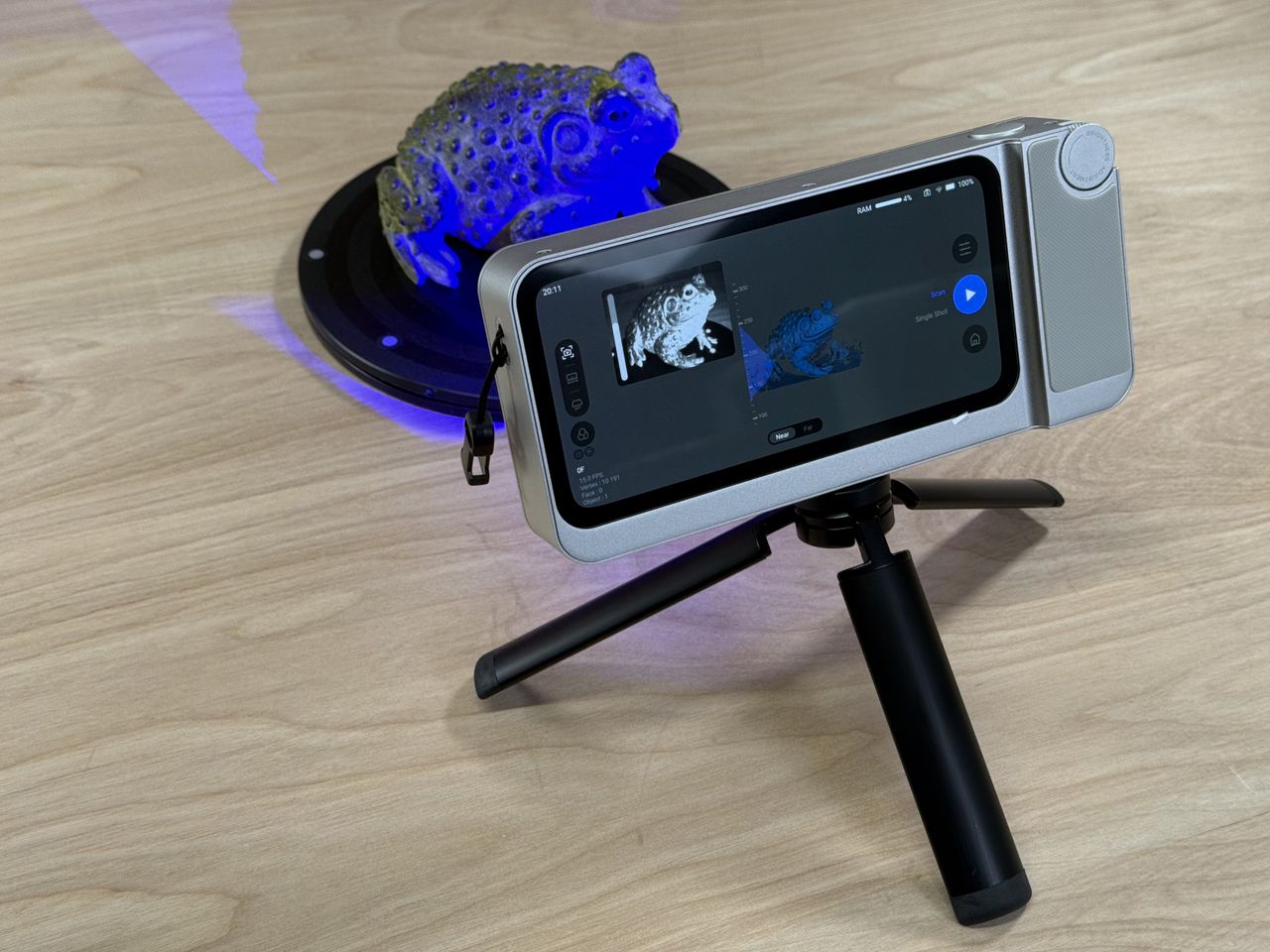
The Toucan is designed to operate entirely without a computer. You can capture a point cloud, generate a 3D model, and export it directly from the device. This is a significant advantage for fieldwork or quick scans where carrying a laptop is impractical. The built-in processing engine handles model creation, and you can review results on the touchscreen. However, while the concept is solid, the execution has room for improvement, particularly in software polish.
2. How does the hardware feel and what are its key features?
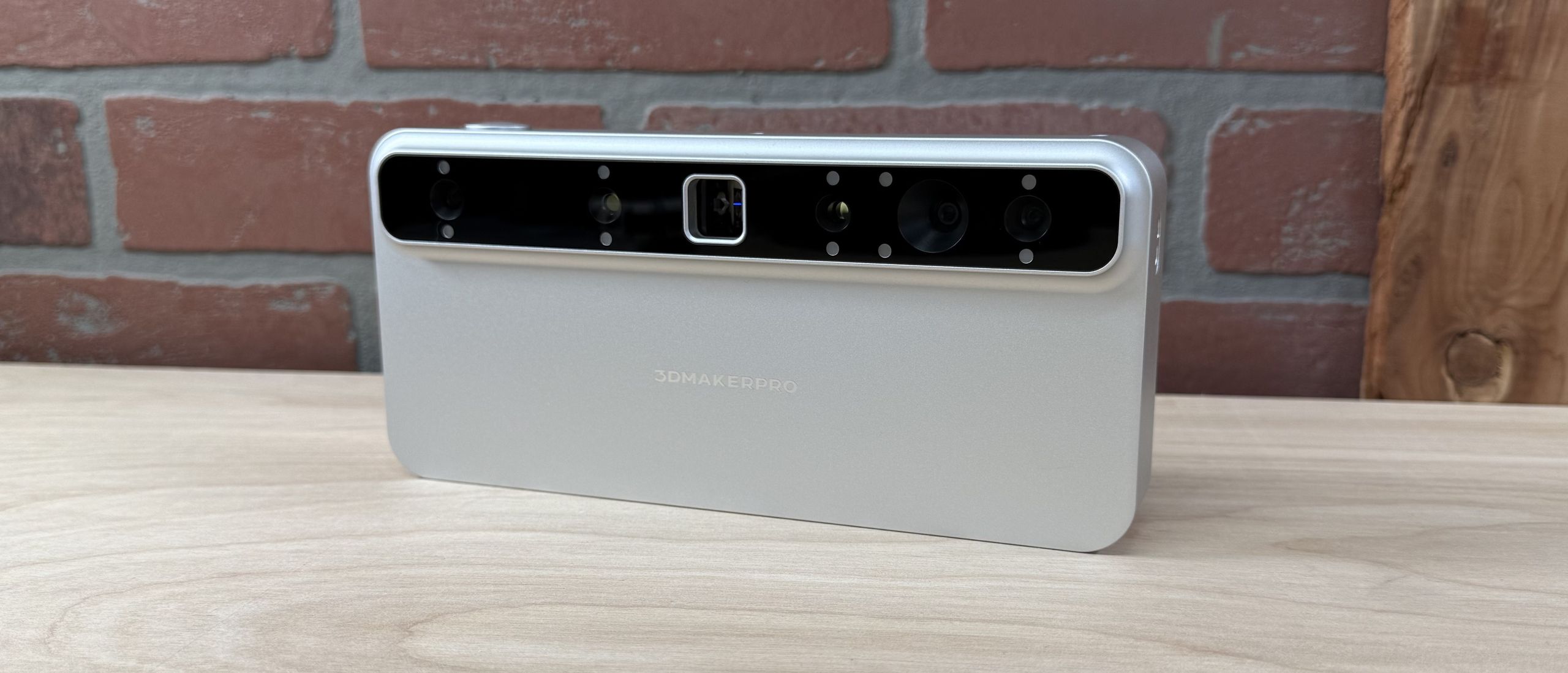
The hardware of the Toucan exudes a premium feel with robust construction and a comfortable grip. It includes a Class 3R laser for safe but powerful scanning, a high-resolution camera for textures, and a bright touchscreen interface. The device is well-balanced and seems built to last. But premium hardware doesn’t always guarantee premium software, as we discovered during testing.
3. How effective is the laser scanning technology?
The Class 3R laser produces detailed point clouds quickly, even on challenging surfaces. Scanning speed is impressive, and the resolution captures fine details. However, the laser’s power means you need to follow safety precautions. In our tests, the scanner maintained good accuracy for medium-sized objects. The fast point cloud generation is a highlight, but tracking loss occasionally interrupts the flow (see our tracking reliability notes below).
4. What software and tracking problems did you encounter?
The Toucan’s software feels unpolished compared to the hardware. The most common issue is tracking loss during scanning—the device loses reference to the object, forcing you to restart. The on-screen guidance could be clearer. Additionally, the software has some quirky menu flows that make simple tasks confusing. To improve, 3DMakerPro should focus on stabilizing tracking algorithms and simplifying the user interface.
5. How reliable is the Wi-Fi export feature?
Exporting models via Wi-Fi was inconsistent in our testing. Sometimes transfers succeeded quickly, but other times they failed midway or took much longer than expected. This makes the standalone workflow less reliable than using a wired connection. For critical projects, we recommend transferring files via a computer instead. The inconsistency is likely a software issue that could be fixed with firmware updates.
6. How are the color textures captured?
Color textures from the Toucan were blurry in many of our scans. The camera seems to struggle with color accuracy and sharpness, especially in low light or complex scenes. While the geometric detail is excellent, the textures drag down the overall model quality. This is a notable weakness for users who need vibrant, realistic textures for presentations or 3D printing with color.
7. What are the biggest pros and cons of the Toucan?
Pros: Standalone operation, premium build, fast laser scanning, detailed point clouds.
Cons: Unpolished software, frequent tracking loss, inconsistent Wi-Fi export, blurry textures.
Overall, the Toucan is a promising device for users who prioritize hardware and are willing to tolerate software hiccups. It’s best suited for hobbyists and pros who can work around the quirks. For mission-critical tasks, wait for software improvements.