Building a Simulation-First Manufacturing Pipeline with OpenUSD and NVIDIA Omniverse
Overview
Manufacturing has long relied on a design-build-test cycle, assuming real-world testing is irreplaceable. That assumption is crumbling. High-fidelity simulation now produces synthetic training data accurate enough for production-grade AI, enabling perception systems, reasoning models, and agentic workflows to thrive in live factories. The enabler? OpenUSD—the connective standard that makes simulation practical. This guide walks you through establishing a simulation-first pipeline using NVIDIA Omniverse and the SimReady content standard, with real-world examples from ABB Robotics and JLR.
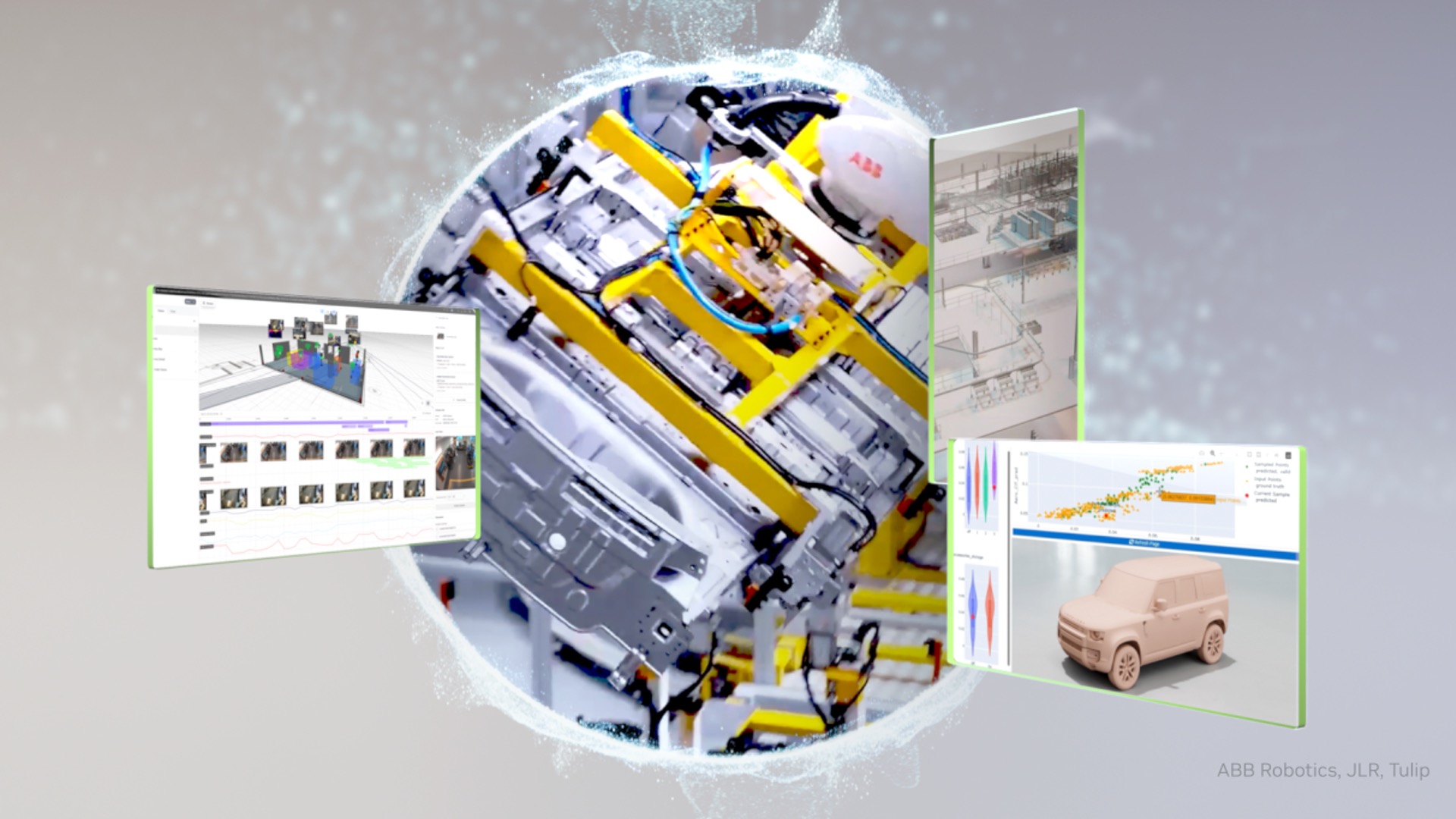
By the end, you’ll understand how to reduce product introduction cycles by up to 50%, commissioning time by 80%, and total equipment lifecycle costs by 30-40%, while compressing simulations from hours to minutes.
Prerequisites
- Familiarity with 3D pipelines: Experience with CAD tools (e.g., SolidWorks, CATIA) and simulation platforms.
- Basic knowledge of AI: Understanding of neural networks and synthetic data generation.
- Hardware: NVIDIA RTX GPU (for local testing) or access to cloud instances with NVIDIA GPUs.
- Software: NVIDIA Omniverse installed, access to OpenUSD tools, and a simulation platform (e.g., RobotStudio for robotics).
- Team readiness: Cross-functional collaboration between design, simulation, and AI teams.
Step-by-Step Guide
Step 1: Audit Your Current Asset Pipeline
Before adopting simulation-first, identify where asset fidelity breaks. Typical issues: geometry loss, missing physics properties, or inconsistent metadata when moving from CAD to simulation. Document every tool used (CAD, renderer, simulator, AI training) and note what gets stripped. The goal is to create a single source of truth using OpenUSD.
Step 2: Adopt the SimReady Content Standard
SimReady is a specification built on OpenUSD that defines what physically accurate 3D assets must contain to work across rendering, simulation, and AI pipelines. Implement SimReady by:
- Exporting assets from CAD as USD files with physics properties (mass, friction, material).
- Validating files against SimReady rules using Omniverse Connectors.
- Storing assets in a centralized USD repository (e.g., Omniverse Nucleus).
This ensures your assets carry everything needed—so you never rebuild from scratch. Example: ABB Robotics uses USD files that run the same firmware as physical robot stations.
Step 3: Integrate Omniverse Libraries
NVIDIA Omniverse provides a physics-accurate, photorealistic simulation layer. Integrate it into your existing simulation tool (like RobotStudio) using Omniverse Extensions or the Python API. This gives you:
- Real-time ray tracing for realistic lighting.
- PhysX-based physics for accurate motion and collisions.
- Scalable synthetic data generation with domain randomization.
Code snippet (Python example for Omniverse Kit):
import omni.usd
from pxr import Usd, UsdPhysics

# Load a USD stage
stage = omni.usd.get_context().open_stage("path/to/robot_station.usd")

# Enable physics
physics_scene = UsdPhysics.Scene.Define(stage, "/World/PhysicsScene")
physics_scene.CreateGravityMagnitudeAttr().Set(9.81)

# Add random lighting
from omni.isaac.synthetic_utils import random_lighting
random_lighting.add_random_lights(stage, count=5)
Step 4: Generate Synthetic Training Data at Scale
Use Omniverse Replicator to create synthetic data covering variations in lighting, geometry, and camera angles. This is critical for training robust AI models without manual data collection. Key parameters to vary:
- Environmental lighting (time of day, shadows).
- Part tolerances (subtle geometry changes).
- Sensor noise and occlusion.
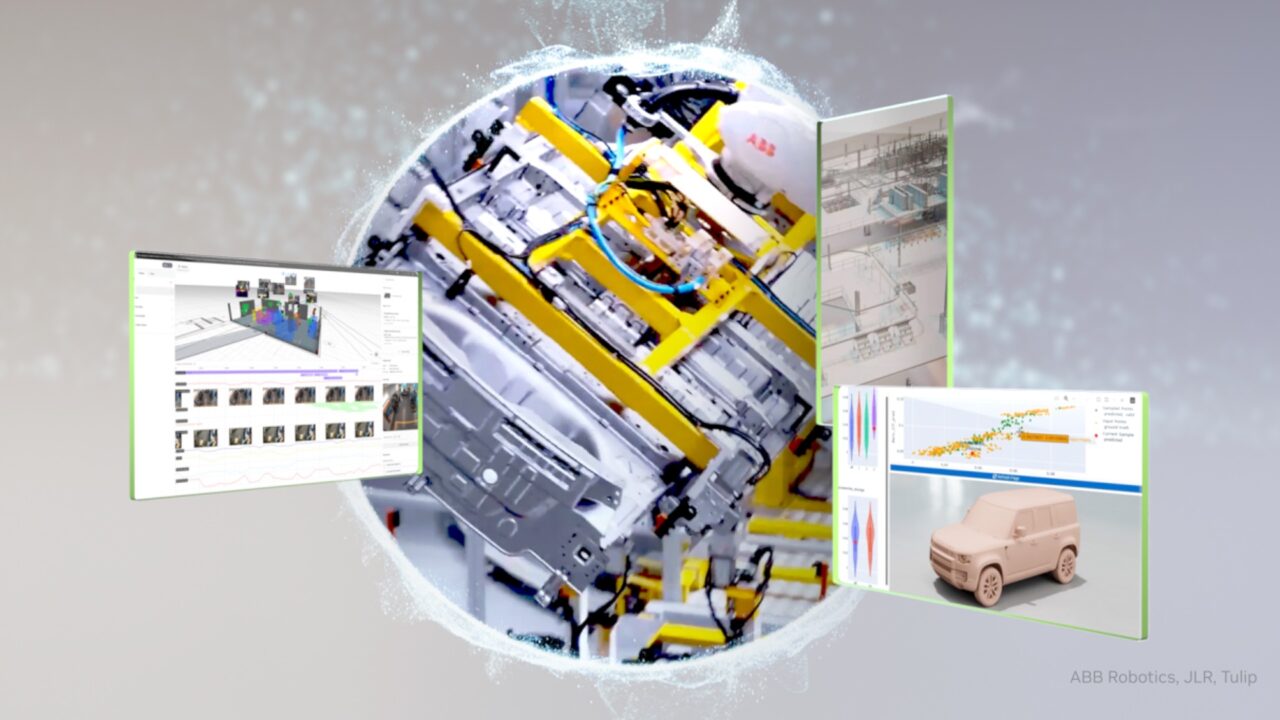
ABB Robotics achieved 99% accuracy in sim-to-real transfer by generating thousands of variations, covering scenarios impractical to replicate manually.
Step 5: Train and Validate AI Models
Use the synthetic data to train perception networks (e.g., object detection, grasping). Validate performance in the Omniverse simulation before real-world deployment. Measure sim-to-real gap—the discrepancy between simulation and physical performance. Target <1% gap for production readiness.
JLR used this approach for aerodynamic simulation: they trained neural surrogate models on over 20,000 wind-tunnel-correlated CFD simulations. Now 95% of aero-thermal workloads run on NVIDIA GPUs, compressing a 4-hour simulation to 1 minute.
Step 6: Deploy and Monitor
Deploy AI models onto factory robots or digital twins. Use Omniverse as a monitoring hub—compare real sensor data against simulation predictions. Continuously update models with new synthetic data to handle edge cases.
Common Mistakes to Avoid
- Skipping asset validation: Assuming a CAD export is simulation-ready. Always check physics properties and materials in USD.
- Ignoring domain randomization: Training only on ideal lighting/geometry leads to brittle models. Vary everything.
- Overlooking metadata: Without proper naming conventions, automated pipelines fail. Use consistent IDs and semantic tags.
- Not correlating with real data: Even 99% simulation accuracy needs occasional real-world validation. JLR wind-tunnel correlation was key.
- Underestimating compute requirements: High-fidelity simulation demands powerful GPUs. Plan for cloud scaling if local resources limited.
Summary
By following this guide, manufacturers can transition from the costly design-build-test cycle to a simulation-first approach. OpenUSD and SimReady provide the asset fidelity needed, while Omniverse delivers the simulation platform. The results speak for themselves: ABB Robotics cut product introduction cycles by 50% and commissioning times by 80%, while JLR compresses aerodynamic simulations from 4 hours to 1 minute. Start with a pipeline audit, adopt SimReady, integrate Omniverse, generate synthetic data, validate models, and deploy—then iterate.
For deeper dives, see the original Overview and SimReady section.